All articles · 2026-09-18
From a pencil sketch to a vector: jewellery drawings for CAD, catalogues and casting
A scanned or photographed jewellery sketch is grey, uneven and full of paper texture. How to turn it into clean line work for CAD, a catalogue or a laser engraver.
Jewellery design still starts on paper more often than not. The drawing then has to travel: into CAD for modelling, into a catalogue or price list, onto a laser engraver, or into an email to a client. Each of those wants line work — not a photograph of line work.
The example below is a pendant elevation — the kind of drawing that gets scanned at whatever setting the office scanner was left on, then saved as a JPEG because that is what the scanner does.
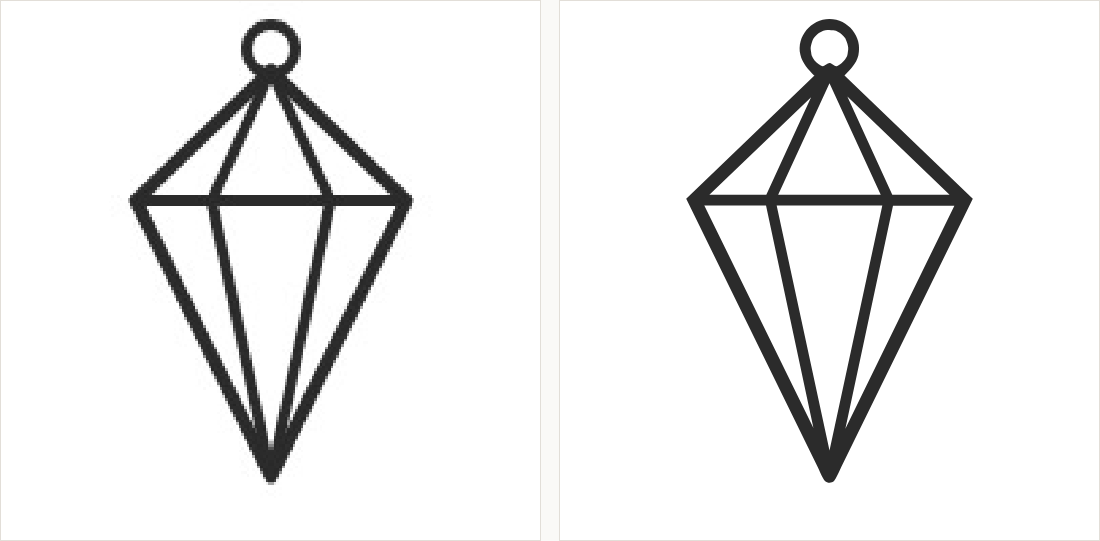
Line art mode, not Logo mode
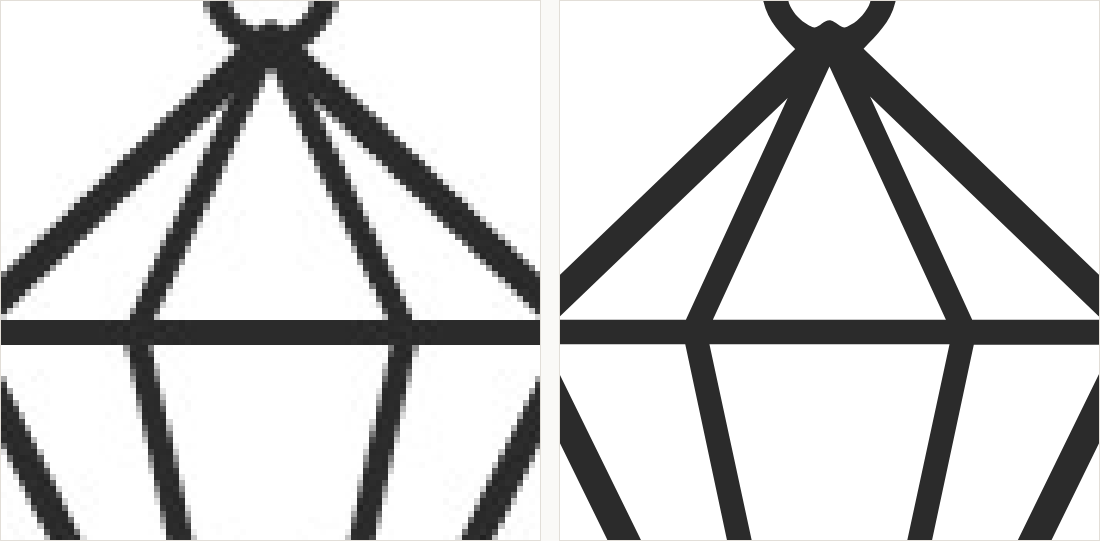
A drawing made of strokes is a different problem from a badge made of filled areas. Line art mode is built for it: it follows the ink rather than treating each stroke as a region to fill, and it keeps the line weight even where the scan went pale. Set the colour count to two for a pencil or pen drawing on white — the ink and the paper.
Getting a better scan is worth more than any setting
- Scan at 600 dpi rather than 300 — it costs nothing and doubles what there is to work with
- Scan, do not photograph: a phone photo brings perspective, uneven lighting and shadow
- Save as PNG or TIFF if the scanner offers it; JPEG puts noise exactly where the lines are
- Draw in ink, or go over the pencil in fineliner, if the drawing is going to be traced
What to export for each destination
- CAD (Rhino, Matrix, RhinoGold) — SVG or DXF; DXF drops straight onto a construction plane
- Laser engraving and marking — DXF for outlines, or SVG if the software prefers it
- Catalogue, price list or lookbook — PDF, which keeps the geometry as geometry at any print size
- Website or client email — SVG, which stays sharp on any screen and is a few kilobytes
One honest limit: a vectorizer traces what is on the paper. Hatching and shading come through as the marks they are, not as a rendered metal surface, and a drawing with an unclear line will produce an unclear path. It recovers the drawing, faithfully — it does not finish it for you.