All articles · 2026-09-18
Colour separations: one screen per colour, and the overlap between them
Screen printing needs one file per colour, plus a deliberate overlap so small misregistration does not show. How vector artwork makes both straightforward.
Screen printing puts down one colour at a time, through one screen each, with the fabric held in place between passes. Every colour in your design is therefore a separate file, a separate screen and a separate setup — and the small errors between passes are what separations are designed to hide.
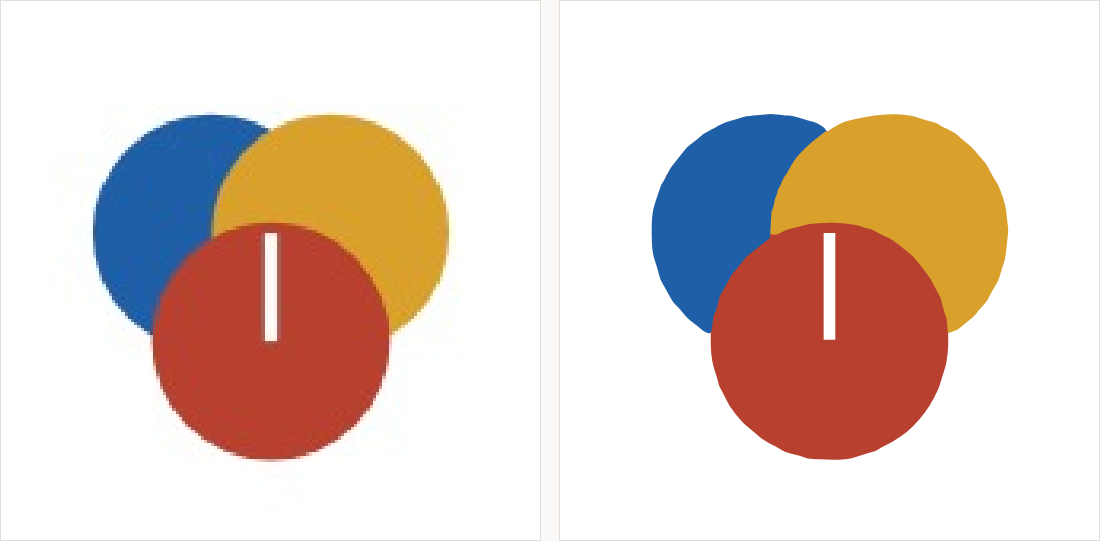
Why flat colour matters so much here
A separation is made by selecting each colour and outputting it alone. That is trivial when each colour is one exact value across its whole area, and painful when it is a cloud of near-identical shades left behind by JPEG compression. Tracing collapses those clouds back to flat, exact colours — which is precisely what a separation needs.
Registration and the deliberate overlap
No press registers perfectly. Where two colours meet, a fraction of a millimetre of movement leaves a white gap. Printers solve this by overlapping the colours slightly — one shape is extended a little under its neighbour — so a small shift shows as a slightly wider join rather than a bare line. Vector shapes can be offset precisely; raster edges cannot be offset at all.

Fewer colours is usually a better design
Each colour costs a screen, a setup and a registration risk. Designs made for screen printing are bold and limited on purpose, and it is worth deciding the colour count before the artwork rather than trying to reduce it afterwards. A four-colour design reduced to three by the printer, at the last minute, is rarely reduced the way you would have chosen.
What to send
- Vector artwork with each colour as its own flat shape, at the finished print size in millimetres
- Your colour references in the system your printer uses, not screen values
- A note of which colour prints first if the order matters to you
- The garment colour, because ink on dark fabric needs an underbase and that is another screen
Tracing cleans up the file and makes separations possible. It does not build the overlaps or the underbase — those are decisions made with a printer who knows their press, and the best time to have that conversation is before the screens are made.